8 Best Video Tutorial Software in 2026

Finding the best video tutorial software depends on what you're trying to teach and how people need to use that information. A quick screen recording might be enough to explain a simple task, while software training, onboarding, and repeatable processes may require more structured, step-by-step guidance.
Today's video tutorial tools take different approaches. Some make it easy to record and share your screen, others use AI to turn scripts or workflows into polished videos, and some help users follow a process interactively while they work.
We compared eight of the best tools for creating video tutorials based on features, ease of use, output format, pricing, and fit for different training and enablement needs.
What is video tutorial software?
Video tutorial software helps you create instructional content that shows people how to complete a task, use a tool, or understand a process. Depending on the platform, that might mean recording your screen and voice, automatically capturing a workflow, generating a video with AI, or creating an interactive tutorial people can follow step by step.
Video tutorial software generally falls into a few categories:
- Auto-capture and interactive tutorial tools: Capture a workflow and turn it into step-by-step instructions, screenshots, videos, or interactive guidance.
- Screen recording tools: Record your screen, voice, and webcam to demonstrate a process from start to finish.
- Video editing tools: Turn screen recordings and other footage into polished instructional videos with effects, annotations, and audio editing.
- AI video creation tools: Use AI-generated narration, avatars, scripts, or editing to create training videos with less manual production work.
What features should you look for in video tutorial software?
The best video tutorial software should make tutorials easy to create, follow, share, and update. Key features to look for include:
- Screen and workflow capture: Record your screen or automatically capture each step of a process.
- Editing and annotations: Trim recordings, add text, callouts, captions, or other visual cues that make instructions easier to follow.
- AI-powered creation: Use AI for tasks like narration, transcription, translation, summaries, or video generation.
- Interactive guidance: Let users click through a tutorial or follow steps while completing a process themselves.
- Sharing and embedding: Publish tutorials by link or embed them in an LMS, knowledge base, help center, or other tools.
- Analytics: Track views, engagement, completion, or usage to understand how people interact with your tutorials.
- Easy updates: Edit existing tutorials when a process or software interface changes without recreating the entire tutorial.
At a glance: 8 best video tutorial software tools
1. Tango
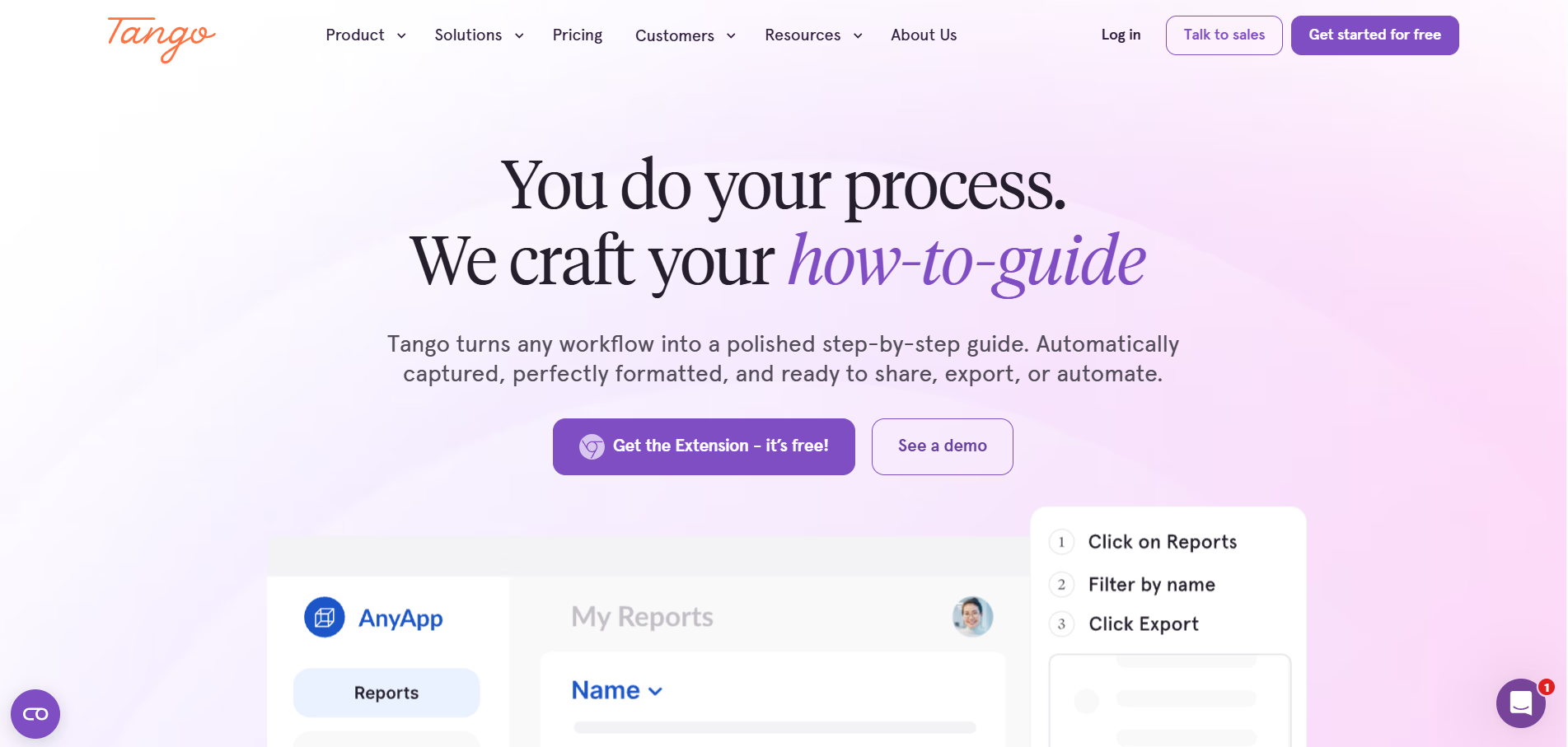
Tango automatically captures a process as you click through it and turns it into a step-by-step tutorial with screenshots and written instructions. Workflows can also be shared as video embeds, giving teams both a video tutorial and step-by-step documentation from the same captured process.
Create video and step-by-step tutorials as you work
Tango makes it easy to capture a software process once and share it in the format that works best for your audience.
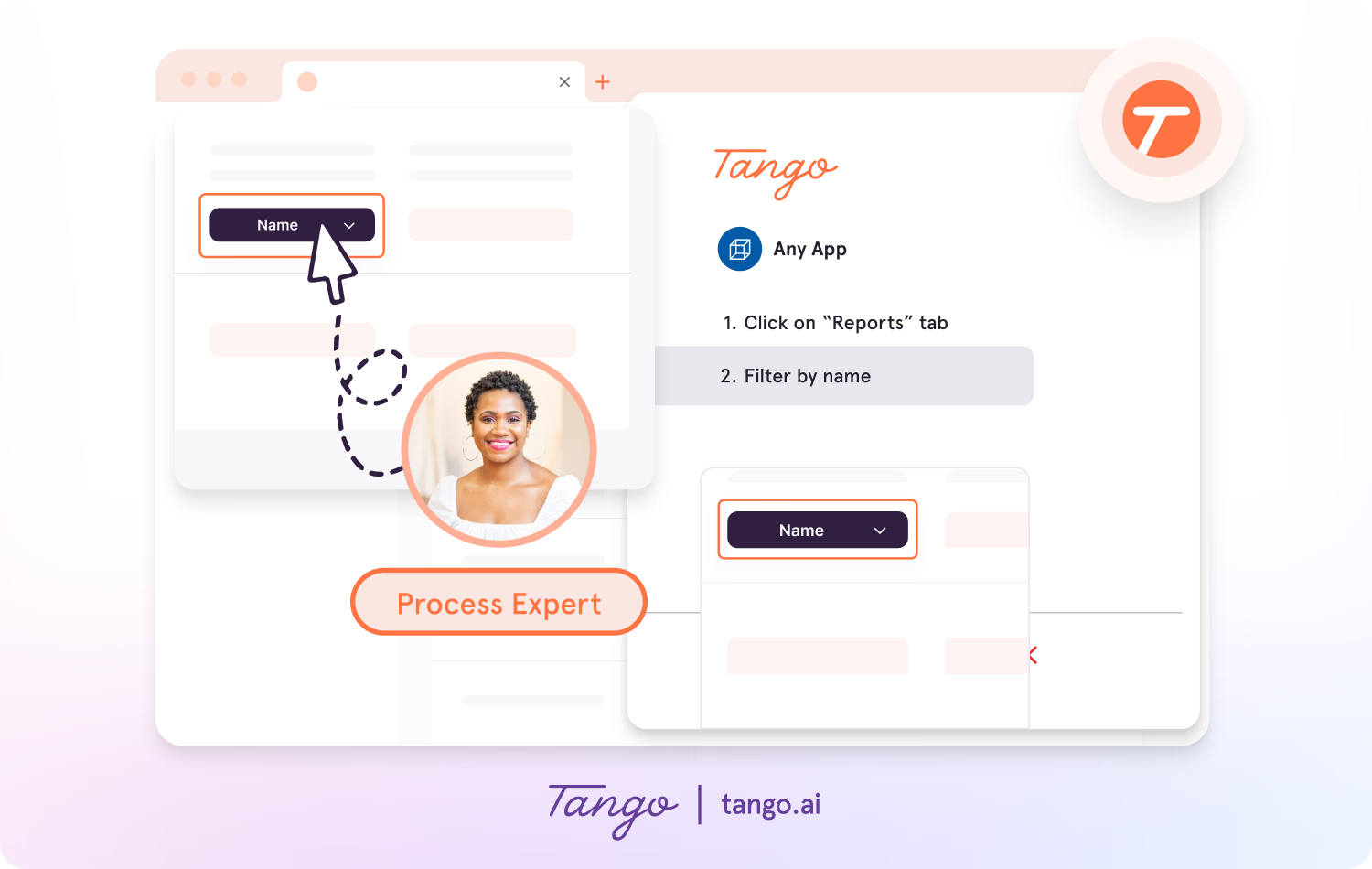
- Capture guides and walkthroughs across the web with the browser extension, or use the desktop app for offline applications.
- Click through a process and automatically generate a step-by-step tutorial with screenshots, annotations, descriptions, and links.
- Edit descriptions, add context, and customize screenshots with built-in editing tools.
- Share Workflows as step-by-step guides or generate embeddable videos with play/pause, speed controls, and a timeline.
- Update the underlying Workflow when a process changes, and the embedded video automatically reflects those changes without requiring a new recording.
Turn tutorials into in-app guidance
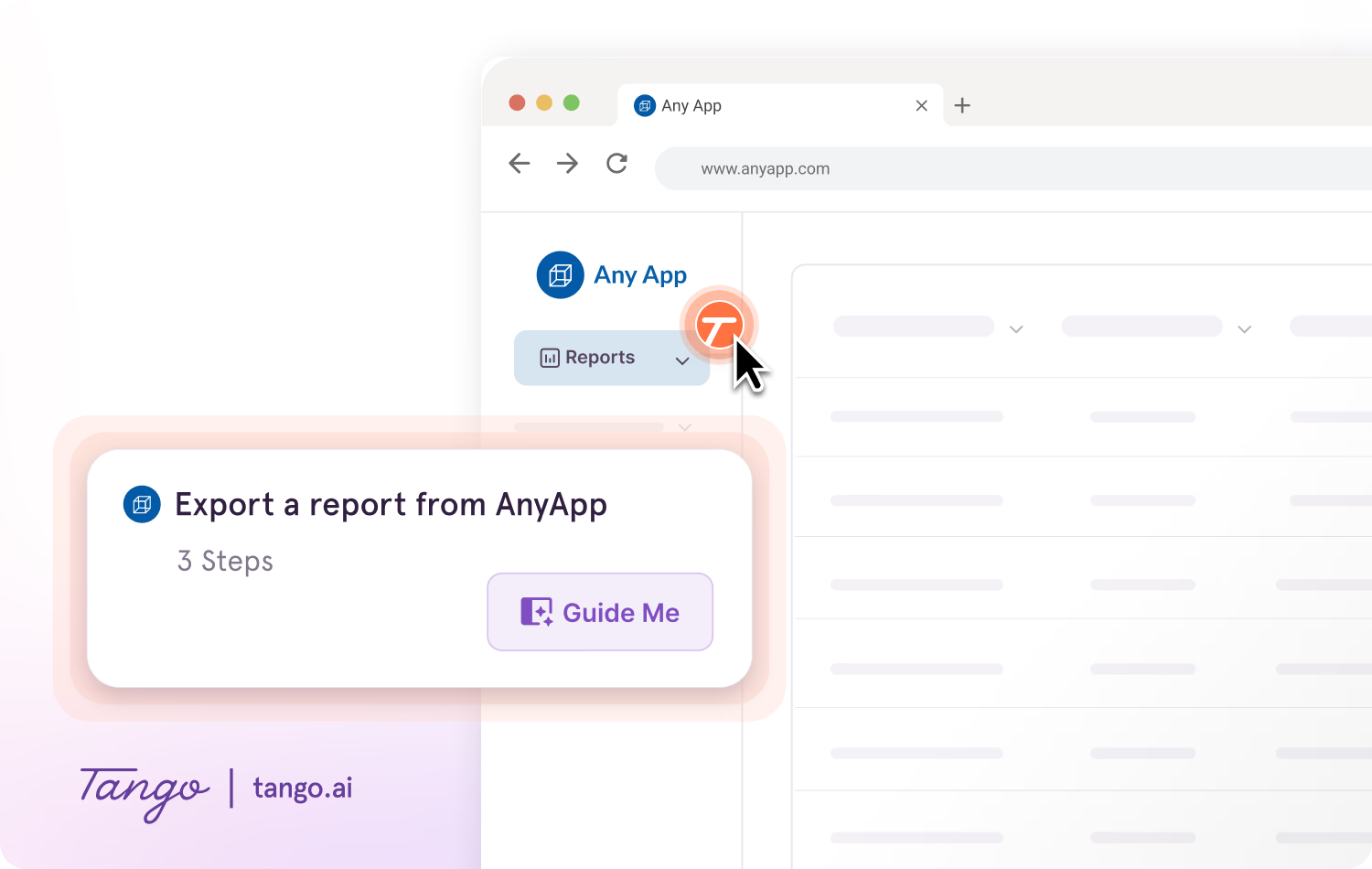
With Guide Me, the same process knowledge can guide users while they complete the task inside the tools where work happens.
- Give users step-by-step guidance without requiring them to switch between a tutorial and the task they're completing.
- Guide Me shows users where to click as they follow processes across applications.
- Use Pins to surface guides, tips, or links wherever users may need extra help in a process.
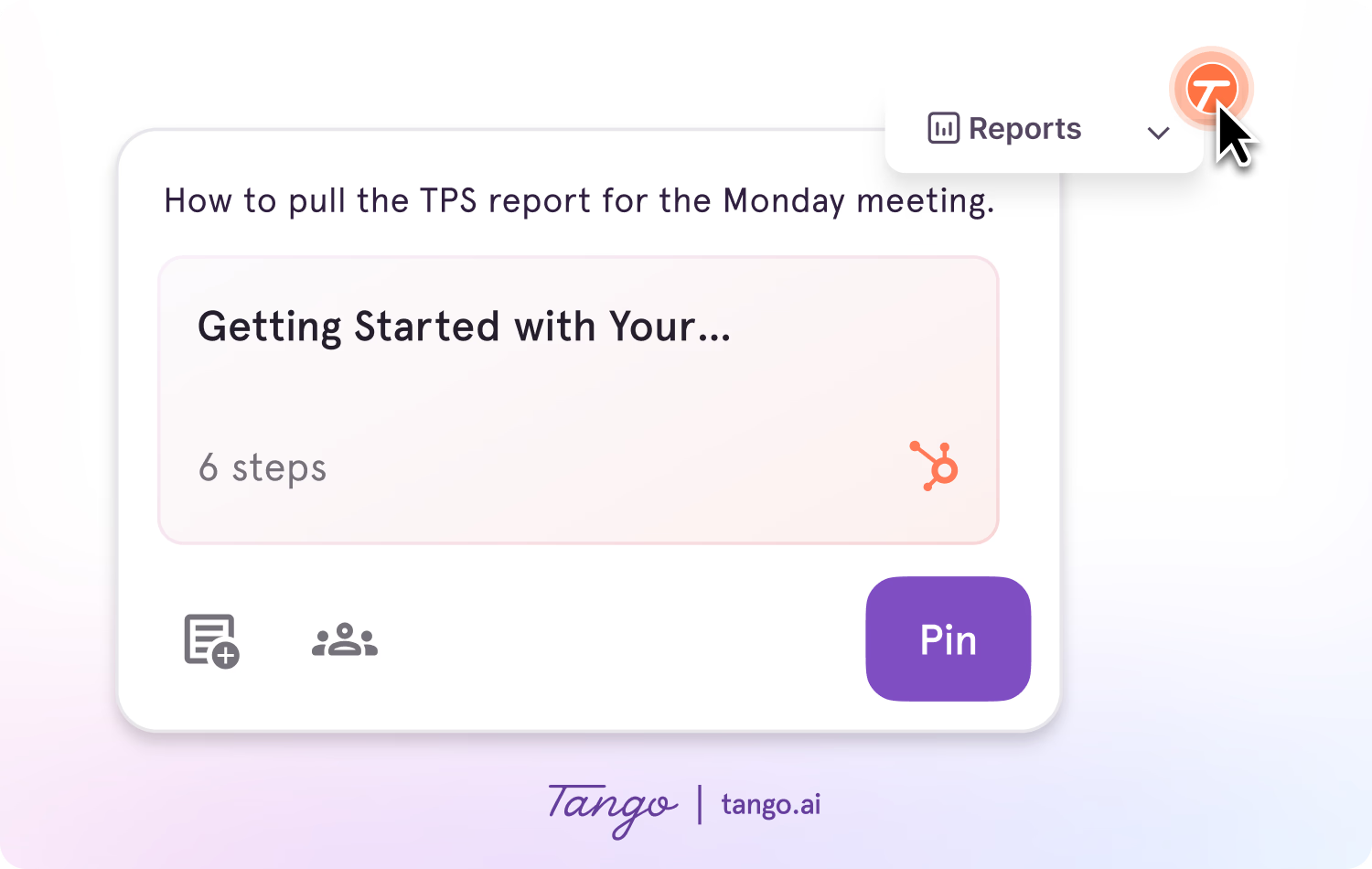
Ideal use case: Teams creating repeatable software tutorials for onboarding, training, and process documentation that need to share the same workflow as video, step-by-step instructions, or in-app guidance.
See how Tango turns Workflows into video →
2. Loom
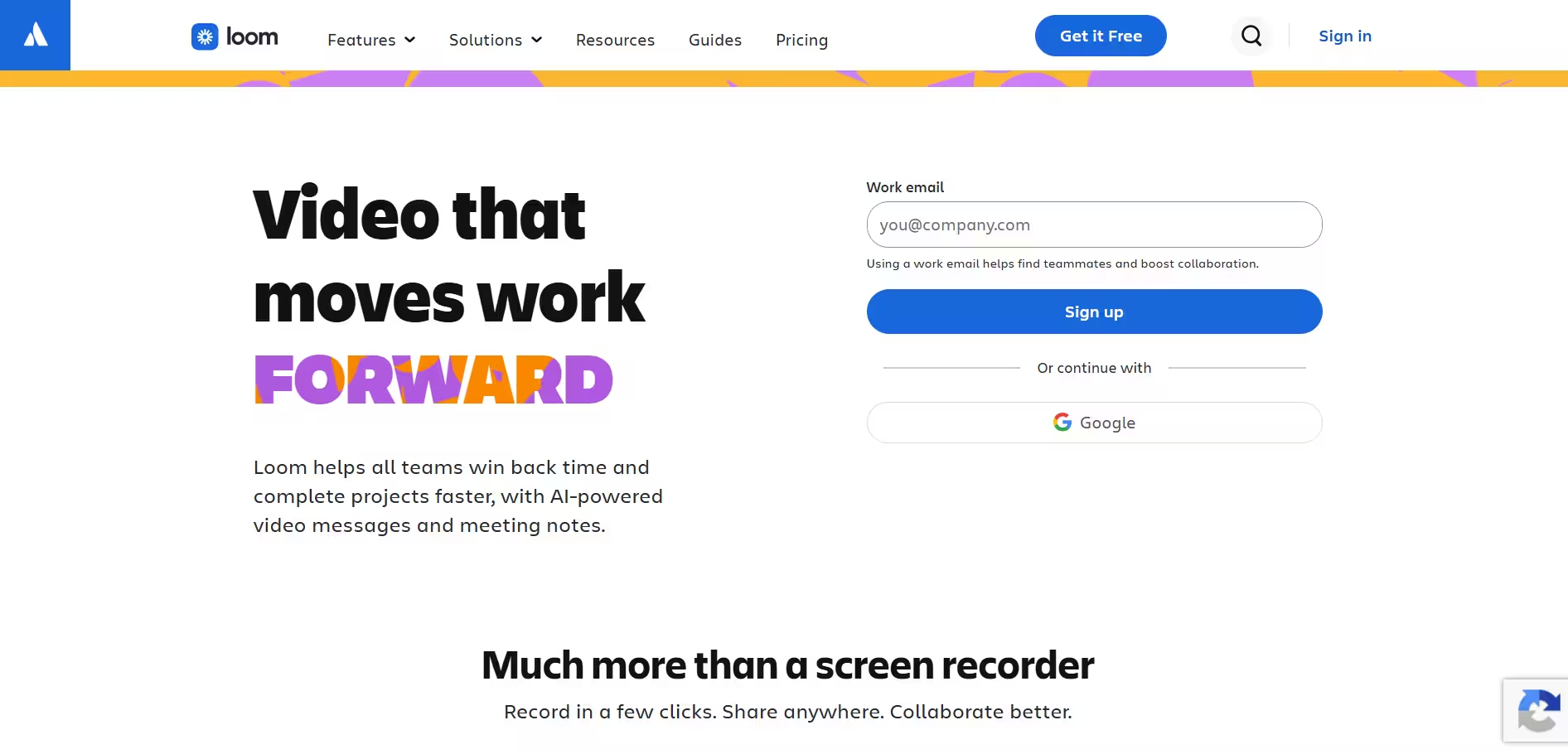
Loom is a video messaging and screen recording platform for creating and sharing asynchronous video content. Teams can record their screen, camera, and voice to create software tutorials, walkthroughs, product demos, and other visual explanations, then share them instantly by link. It works well for quick, conversational tutorials where narration and visual context matter, but offers less structure for documenting and maintaining repeatable workflows.
Key features:
- Screen and webcam recording → captures your screen, camera, and voice in a single recording
- Instant sharing → generates a link as soon as a recording is ready
- AI summaries and chapters → turns recordings into written summaries and navigable sections
- Viewer analytics → tracks views and engagement with shared videos
Ideal use case: Teams creating quick, conversational video tutorials and async software walkthroughs.
3. Vidyard
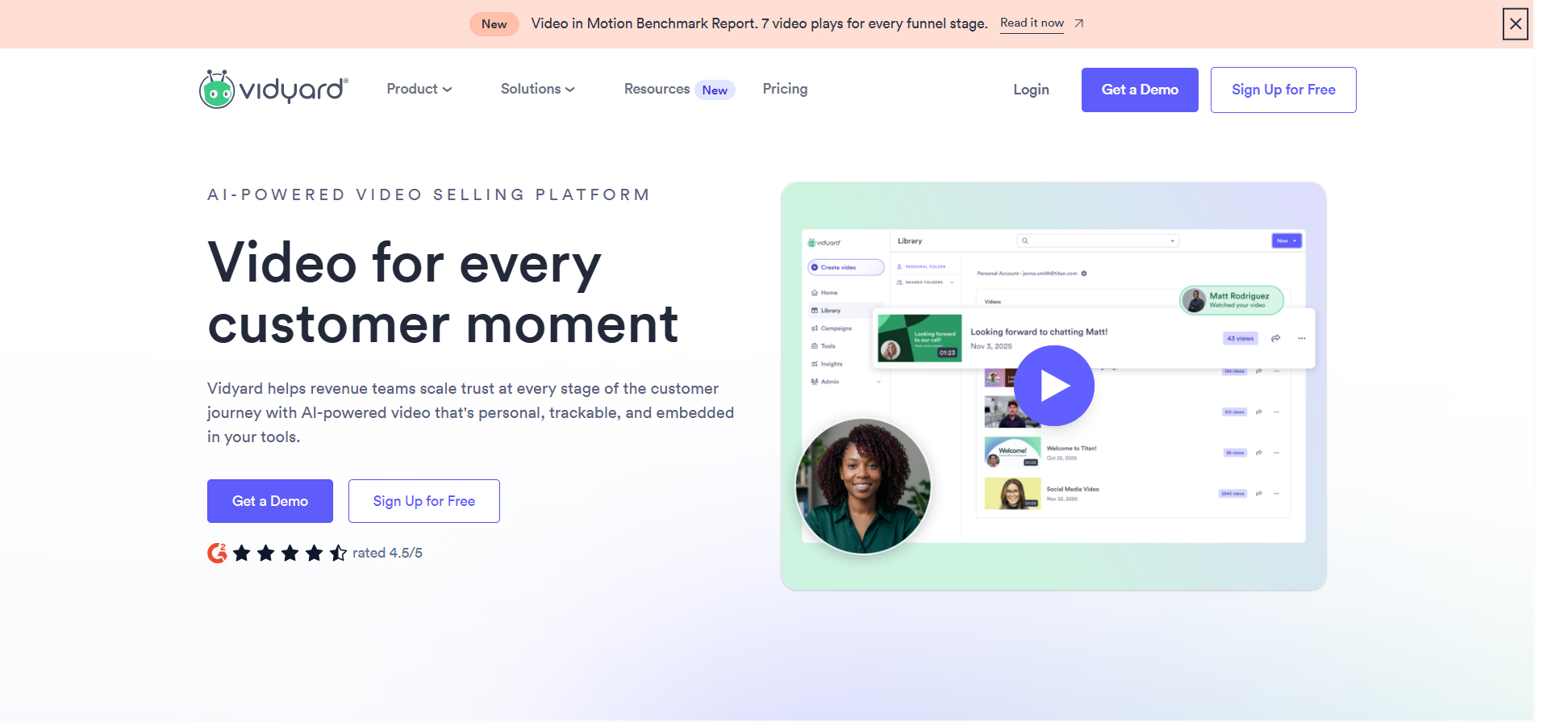
Vidyard is a video platform for creating, hosting, and sharing customer-facing video content. Teams can record their screen and camera, organize videos in a central library, and distribute product demos, tutorials, sales videos, and other content across the customer journey. It works well when viewer engagement and customer-facing distribution matter, but is less focused on internal process documentation and training.
Key features:
- Screen and webcam recording → creates narrated product walkthroughs and personalized videos
- Video hosting → organizes customer-facing videos in a centralized library
- Video personalization → helps sales and customer-facing teams tailor videos to individual viewers
- Viewer analytics → tracks how recipients engage with shared video content
Ideal use case: Sales and customer-facing teams creating personalized tutorials and product walkthroughs.
4. ScreenPal
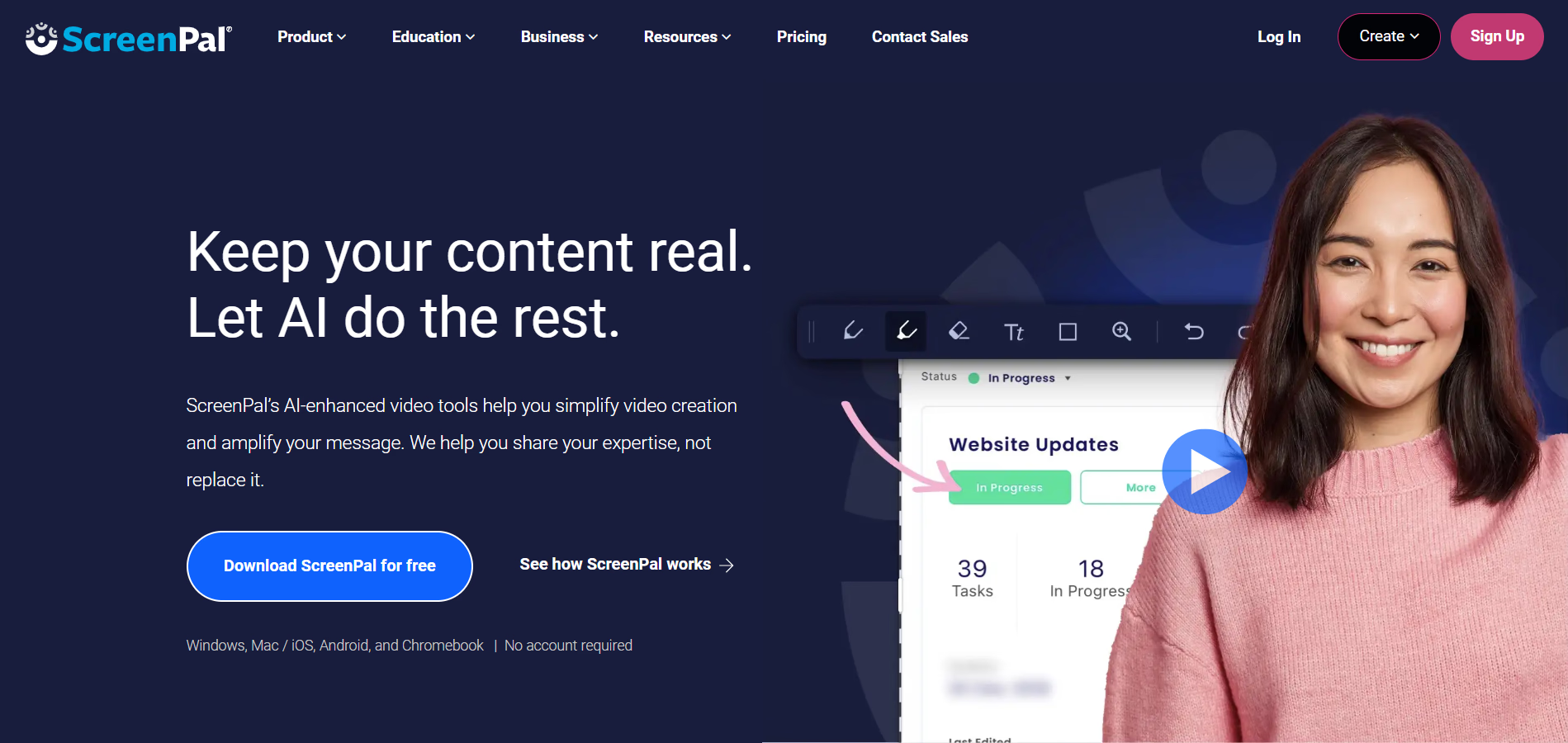
ScreenPal is a screen recording and video editing platform for creating, editing, hosting, and sharing video content. Teams can capture their screen, webcam, and voice, then add captions, annotations, overlays, and other edits before publishing. It works well for individuals and teams that want accessible recording and editing tools without the complexity of professional video production software.
Key features:
- Screen and webcam recording → captures screen activity, narration, and presenter video
- Built-in video editor → trims recordings and adds text, overlays, and annotations
- Automatic captions → adds captions to make tutorials easier to follow and more accessible
- Video hosting and sharing → distributes tutorials by link or embed
Ideal use case: Individuals and small teams that need an affordable way to record, edit, and share video tutorials.
5. Guidde
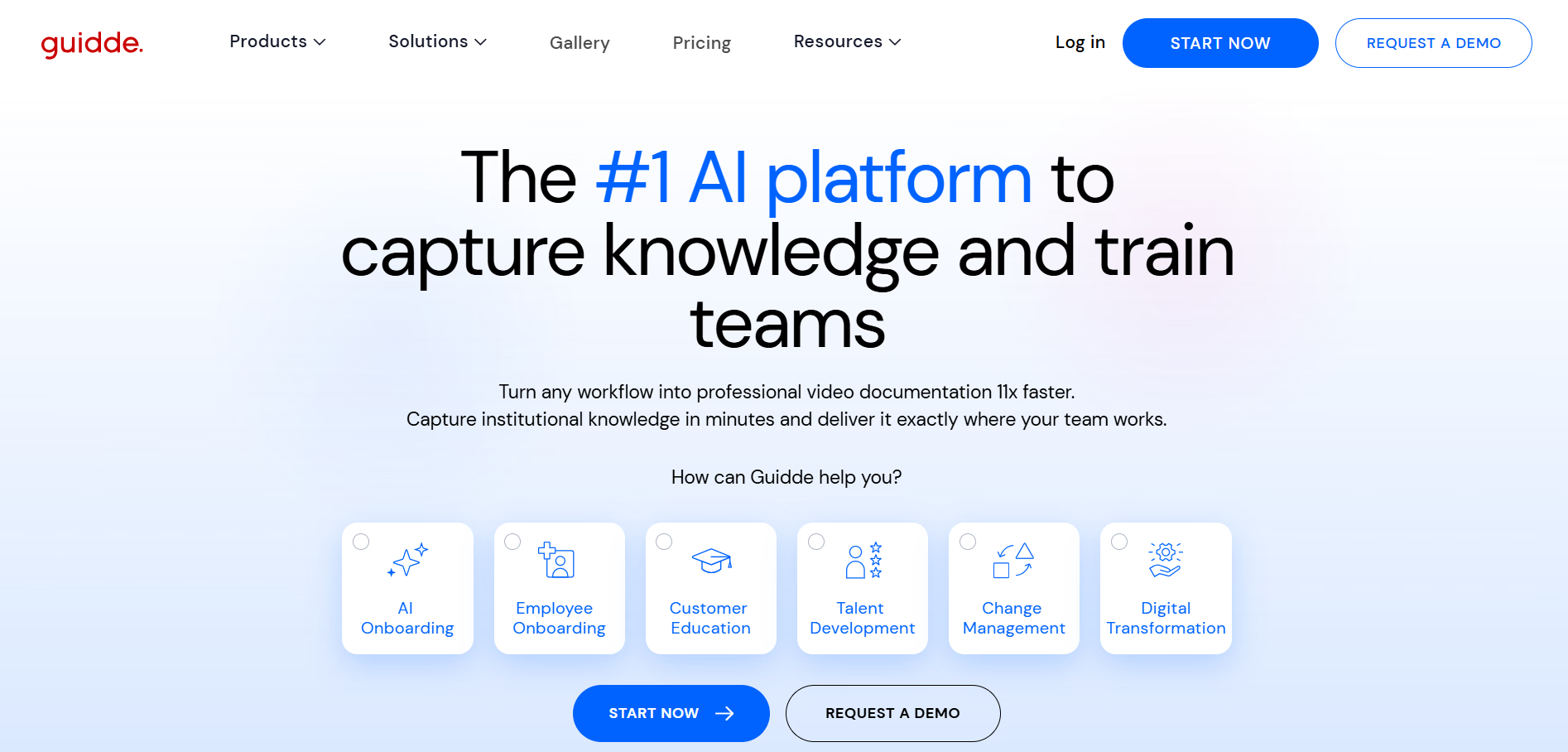
Guidde turns captured workflows into AI-assisted video documentation with narration, editing, and localization tools. It works well for teams that need to produce polished how-to videos quickly without traditional video production, but is more video-first than tools designed to guide users through processes while they work.
Key features:
- Workflow capture → records a process as the foundation for a video tutorial
- AI voiceovers → adds narration without requiring manual voice recording
- Video editing → customizes captured walkthroughs directly in the platform
- Translation and localization → adapts tutorials for multilingual audiences
Ideal use case: Teams creating narrated, AI-assisted video tutorials for training and multilingual audiences.
6. Camtasia
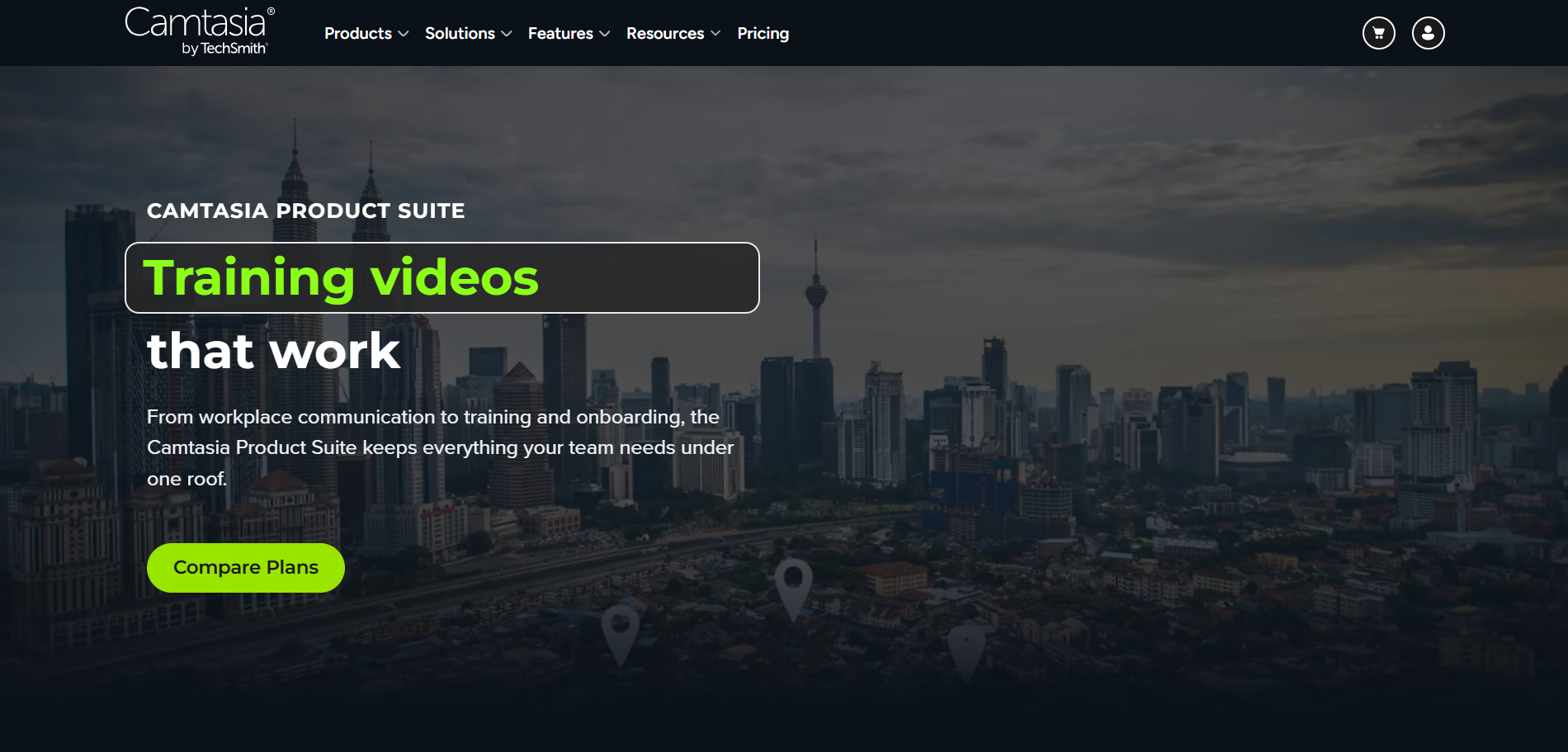
Camtasia is a screen recording and video editing platform for producing polished instructional videos. Teams can capture software demonstrations and combine recordings with narration, annotations, effects, and other media using a timeline-based editor. It works well for detailed tutorials where production quality and editing control matter, but requires more hands-on editing than lightweight screen recorders or automated tutorial tools.
Key features:
- Screen recording → captures software demonstrations and other on-screen activity
- Timeline editing → combines and edits video, audio, and other media across multiple tracks
- Annotations and callouts → highlights important actions and areas of the screen
- Video effects → adds zooms, transitions, cursor effects, and other visual elements
Ideal use case: Instructional designers and teams creating polished, highly edited video tutorials.
7. iorad
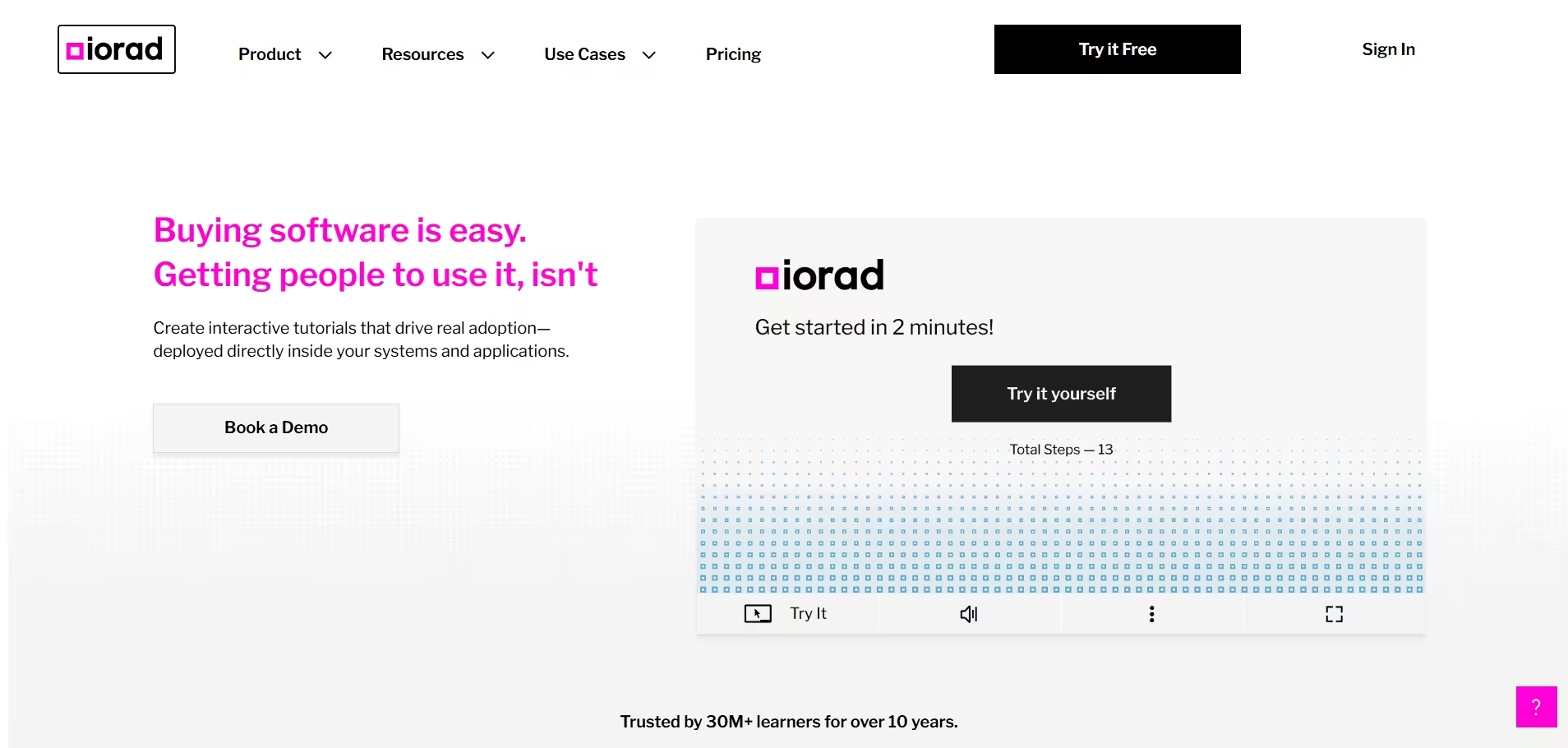
iorad is an interactive tutorial platform for capturing software processes and turning them into guided learning experiences. Teams can record a workflow and create step-by-step tutorials that learners click through and practice rather than only watch. It works well for structured software onboarding and training where users benefit from practicing a process before completing it independently.
Key features:
- Automatic process capture → records actions as you complete a software workflow
- Interactive tutorials → lets learners click through a process step by step
- Multiple output formats → creates interactive tutorials, video, and written instructions from a capture
- Embedding → adds tutorials to learning platforms, help centers, and other resources
Ideal use case: L&D teams creating interactive software tutorials for structured onboarding and training.
8. Synthesia
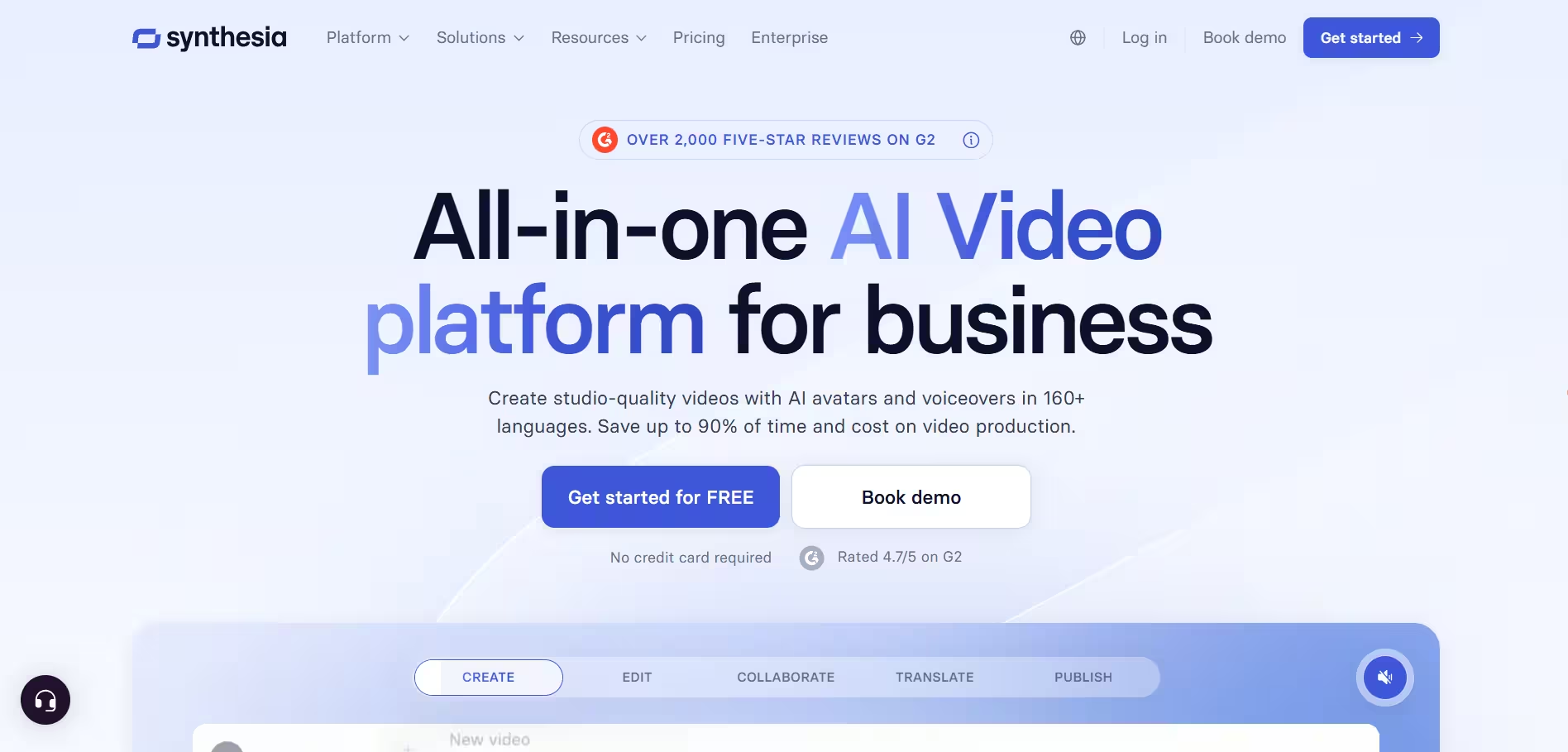
Synthesia is an AI video creation platform for turning written content into presenter-led videos with AI avatars and voices. Teams can create training, onboarding, and educational videos without filming a presenter or recording each narration manually. It works well for producing and localizing training content at scale, but is less focused on capturing live software workflows.
Key features:
- AI avatars → creates presenter-led videos without filming an on-camera speaker
- Text-to-video → turns written scripts into narrated training videos
- AI voices → generates narration without manually recording voiceovers
- Translation and localization → adapts video content for multilingual audiences
Ideal use case: L&D and enablement teams creating AI-generated training videos at scale.
The bottom line
Creating a video tutorial is only part of the equation. For repeatable software processes, the content also needs to be easy to follow, update, and use when someone is actually completing the task.
Tango captures a workflow once and gives teams multiple ways to put that knowledge to work, from video embeds and step-by-step documentation to in-app guidance employees can follow as they go.
Frequently asked questions
What is the best video tutorial software?
Tango is a strong choice for workflow-based video tutorials because it can turn one captured process into video, step-by-step documentation, and in-app guidance. Loom is better suited to quick screen recordings, Camtasia offers more control for polished instructional videos, and Synthesia focuses on AI-generated training videos.
What is the best video tutorial software for employee training?
Tango is a strong choice for employee software training because employees can watch a process as a video or follow the same workflow step by step while they work. Teams can capture a process once and deliver it as a video embed, step-by-step documentation, or in-app guidance for onboarding and ongoing training.
What is the best free video tutorial software?
Tango is a strong free option for creating workflow-based software tutorials. Other video tutorial tools with free plans include Loom, Vidyard, ScreenPal, Guidde, Camtasia, iorad, and Synthesia.
Can I turn a step-by-step tutorial into a video?
Yes, you can turn a step-by-step tutorial into a video with tools like Tango. Tango lets you capture a process as a step-by-step Workflow and generate an embeddable video with playback controls, speed settings, and a timeline. When the Workflow changes, the embedded video can be updated without recording the process again.




Next time someone asks, “how do I…?” Send a Tango.
Start capturing your first workflow today.

