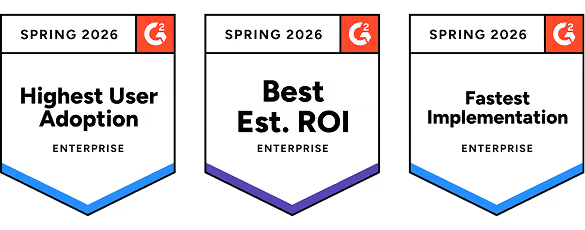


Roll out software people actually adopt.
Put enablement inside your tools everywhere your team needs help. Set up in days, no integrations required.
POWERING USER ADOPTION OF CRITICAL SYSTEMS IN EVERY INDUSTRY





Standardize once.
Adopt everywhere.
With teams of hundreds or thousands, best practice is about keeping one process consistent instead of watching it fragment into 40 regional variants.
Support users across all your major systems, including CRM, ERP, HR, EHR, and more. Tango’s browser extension works universally across applications to power cross-app workflows and support adoption across every change initiative.
Enable every tool in your stack.
Software changed again? The SOPs evolved? Re-capture processes in just a few clicks. Update a Tango once and it updates everywhere.
Change happens fast. Your processes should too.
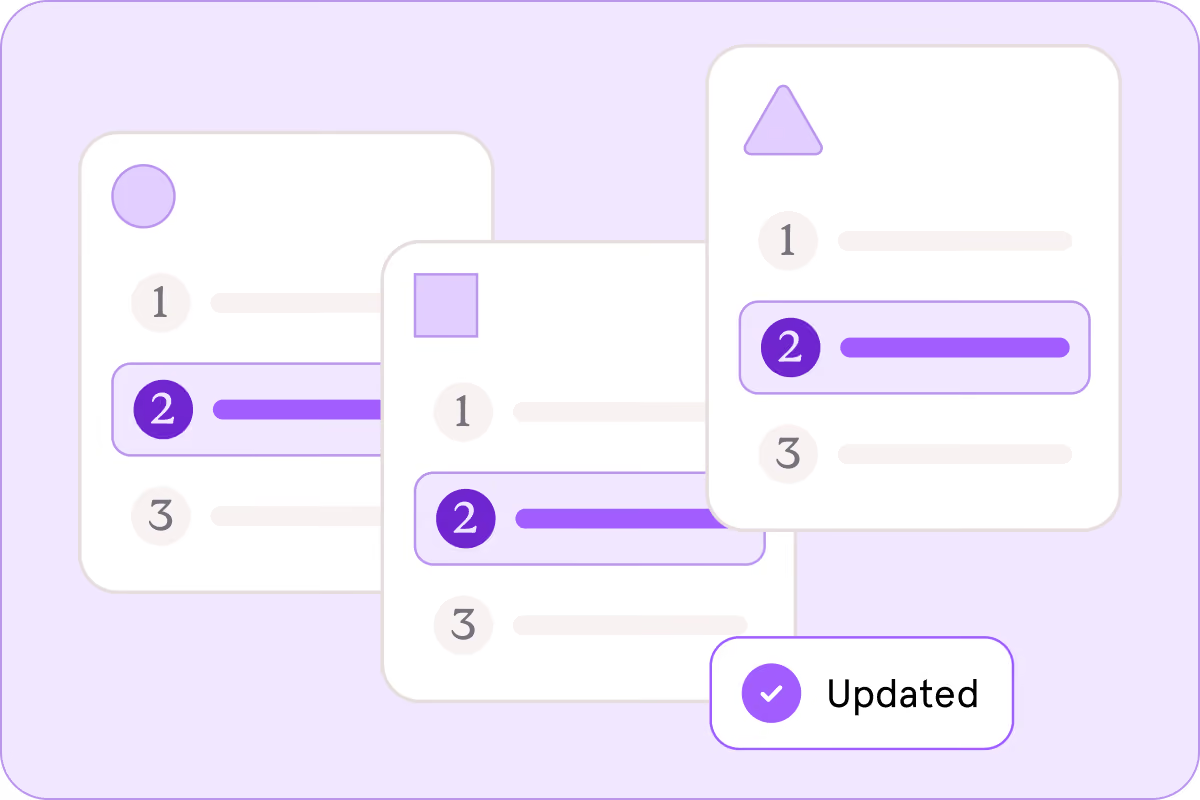
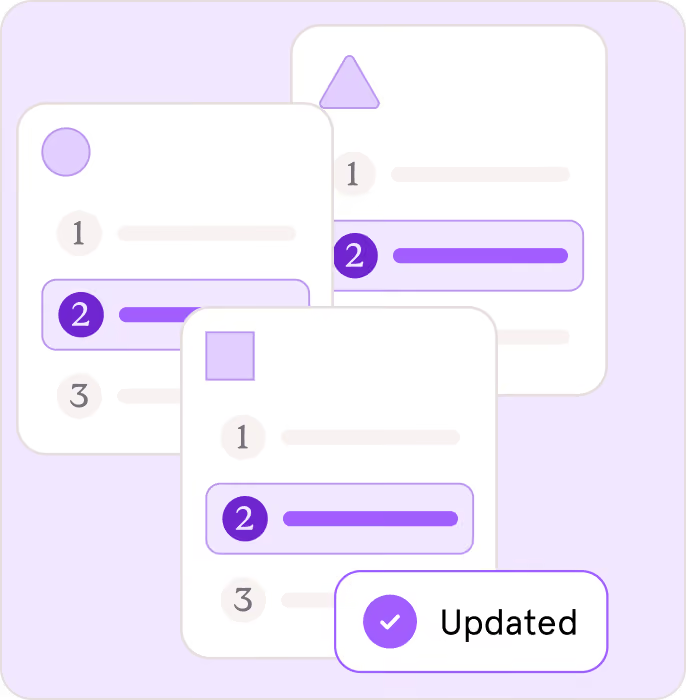
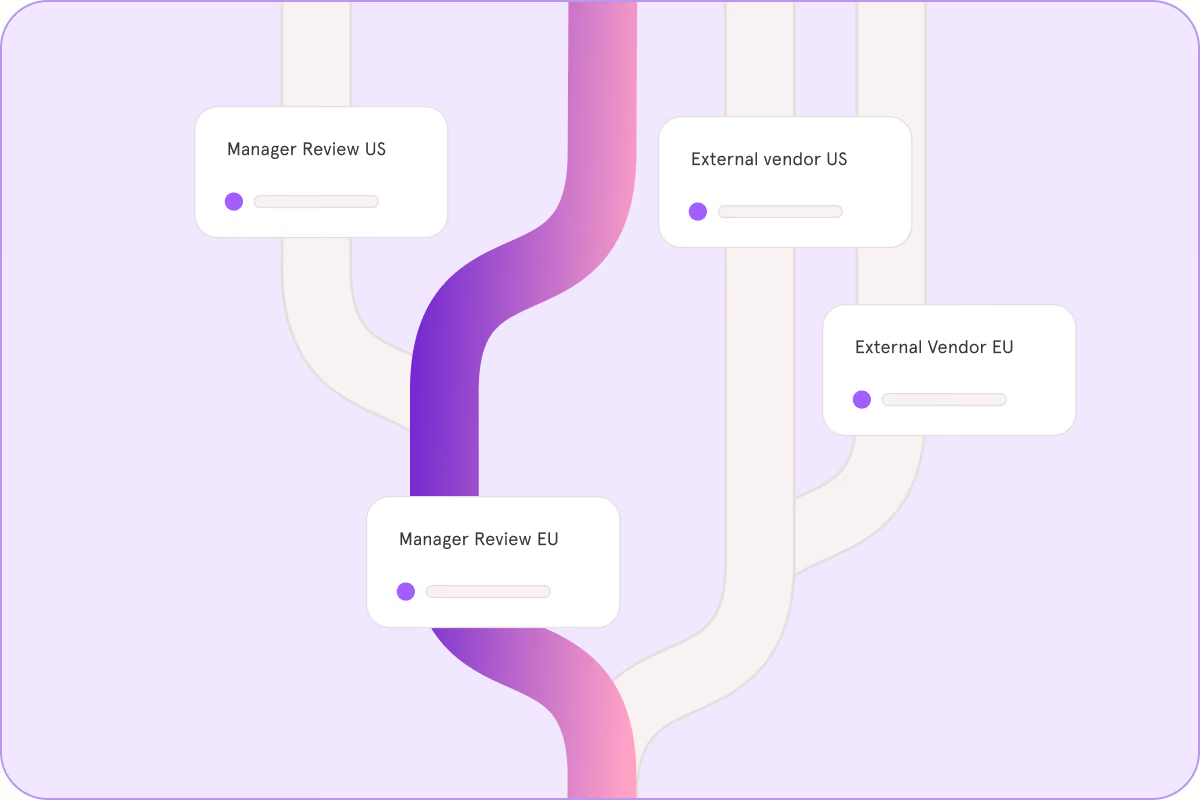
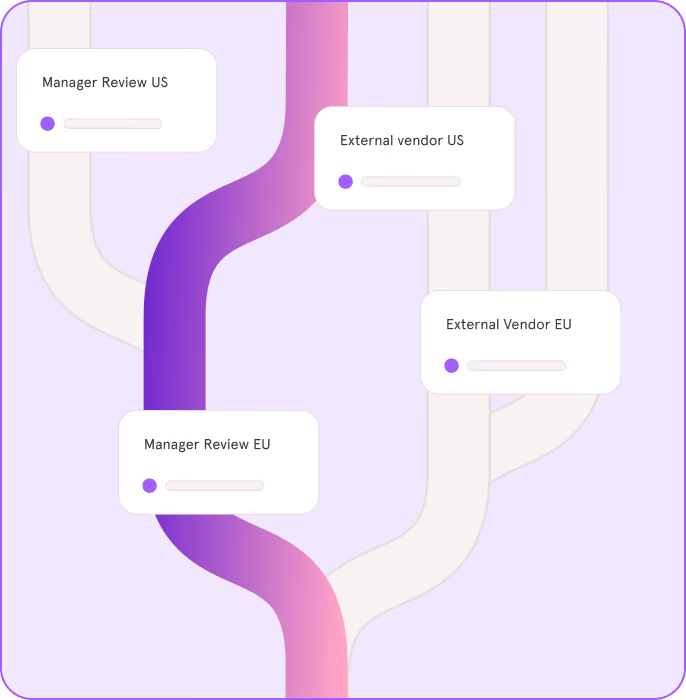
Different region, entity, or edge case? One workflow carries every path so you can standardize complex procedures with ease.
Processes aren't always linear. Let your guides handle the gray areas.
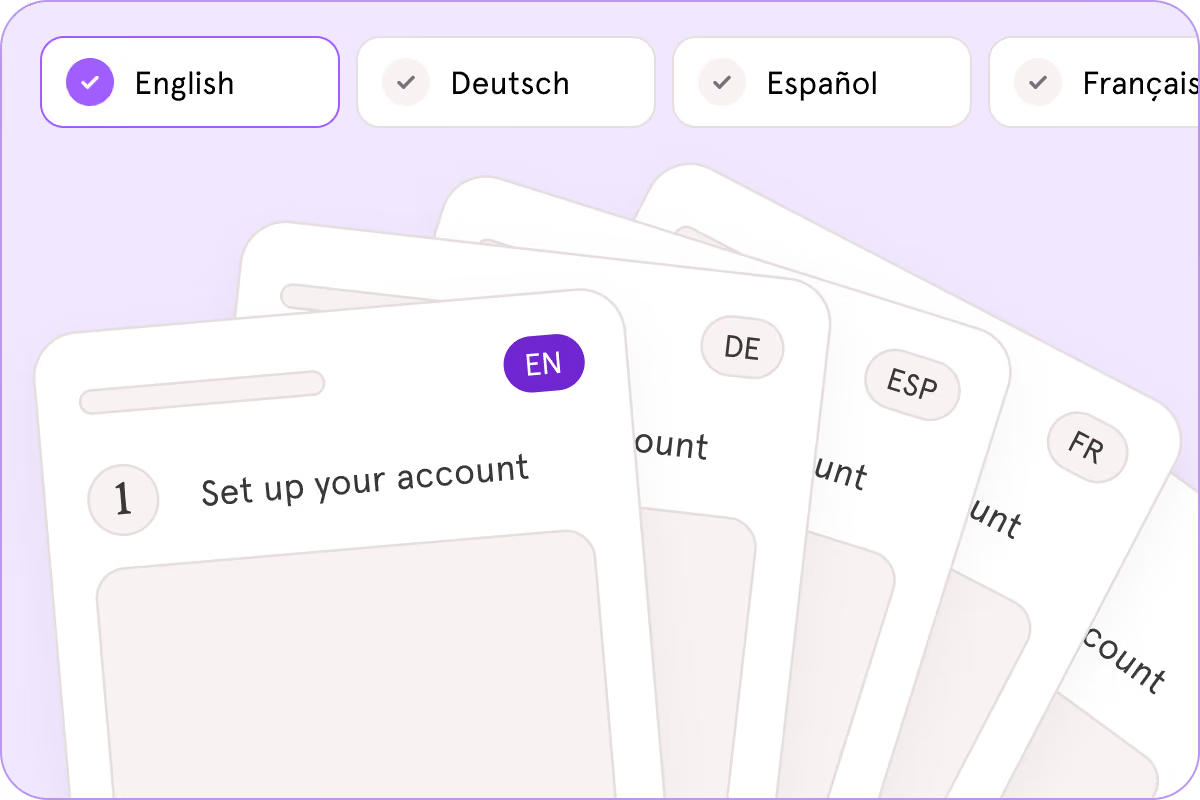
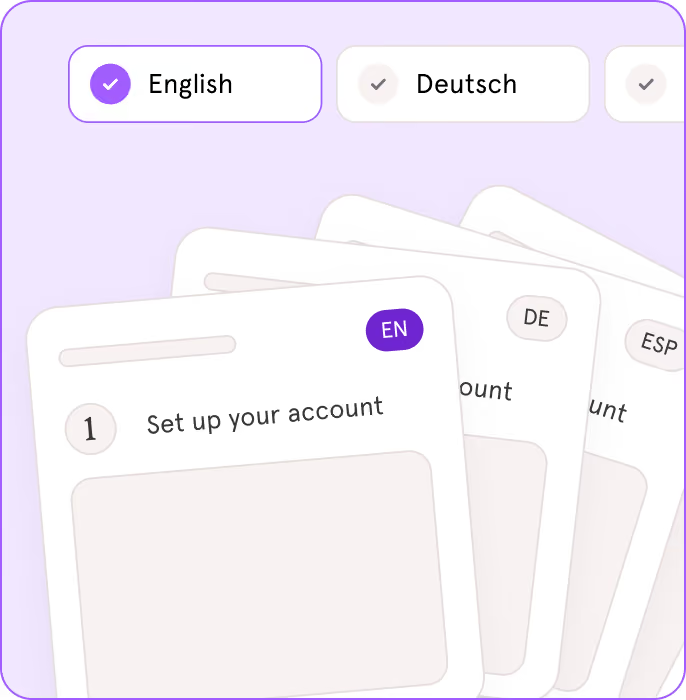
Extend enablement efforts to international counterparts and offshore teams with native support for 15+ languages. Update once and all your translated variants change too.
Support global teams natively.
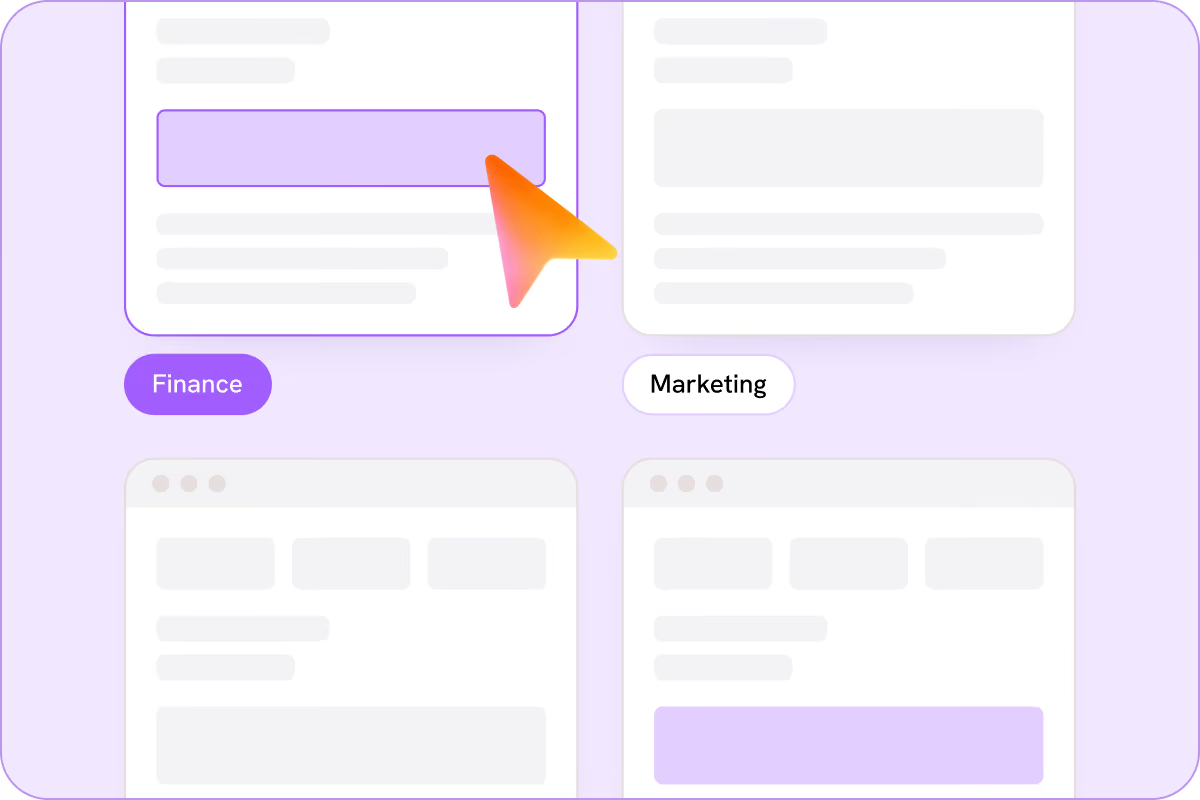
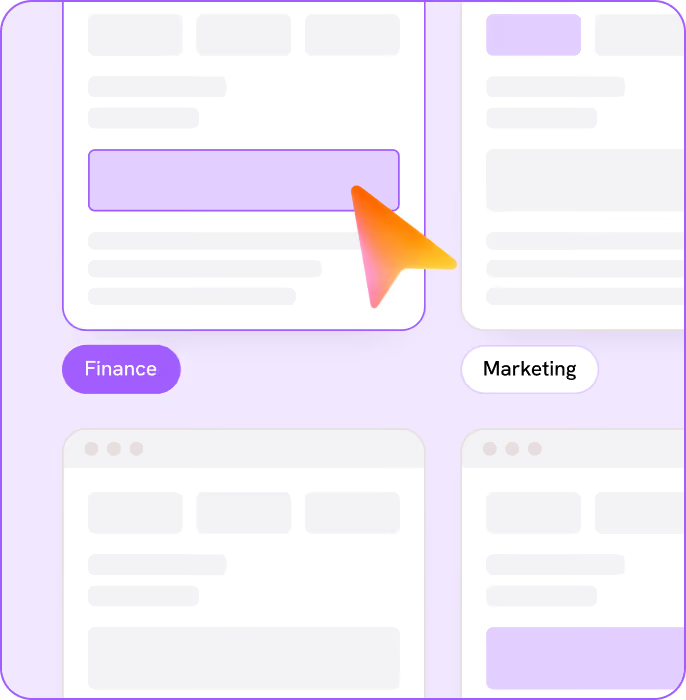
Permission and assign content by role, department, or geography. Give new hires the basics, and keep sensitive finance and HR workflows restricted to authorized users.
One size doesn't fit all. Give every role what they need.
Guide Me
Get on-screen, step-by-step guidance inside the application that guides your team in real time.
Enablement Automation
Automate guides for consistent human-in-the loop execution.
“Tango is so self-service it's ridiculous. I've done nine enterprise-level rollouts in my career, and they've all been way more painful than this.”


90%

fewer mistakes in the ordering process
3x

acceleration on Hubspot adoption
30+

teammates documenting their critical processes


BETA
Tango MCP
Put your team's approved processes in your AI assistant. Tango’s MCP server works with Claude, ChatGPT, CoPilot and custom solutions.
Available by request for Enterprise workspaces.
Surface Tangos in chat sessions.
AI answers will reference and display your detailed processes, not guesses from the internet.
Visualize and analyze your processes with AI.
Use your AI assistant to review content, create process diagrams, and spot gaps and opportunities to improve.
Your Tango workspace permissions carry over.
Workspace members who connect the MCP can only access approved content in their AI, just like in Tango.
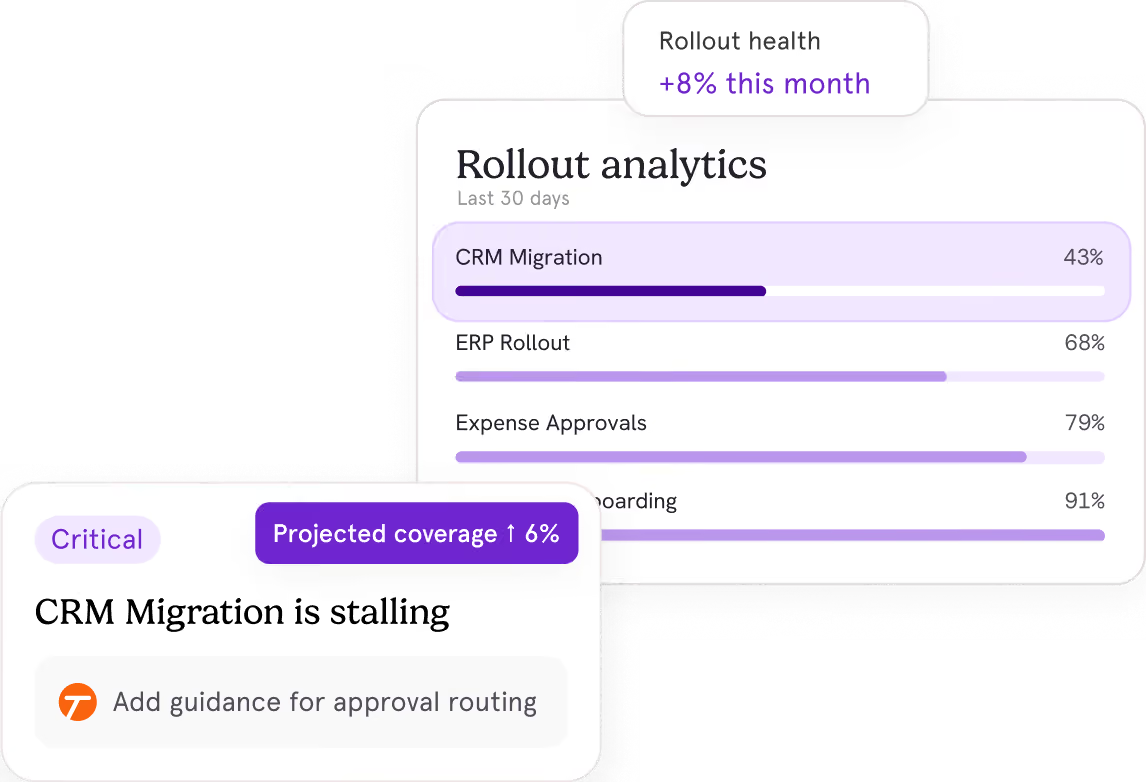
Measure what drives successful rollouts.
71%
Of organizations have less than half of their processes documented.
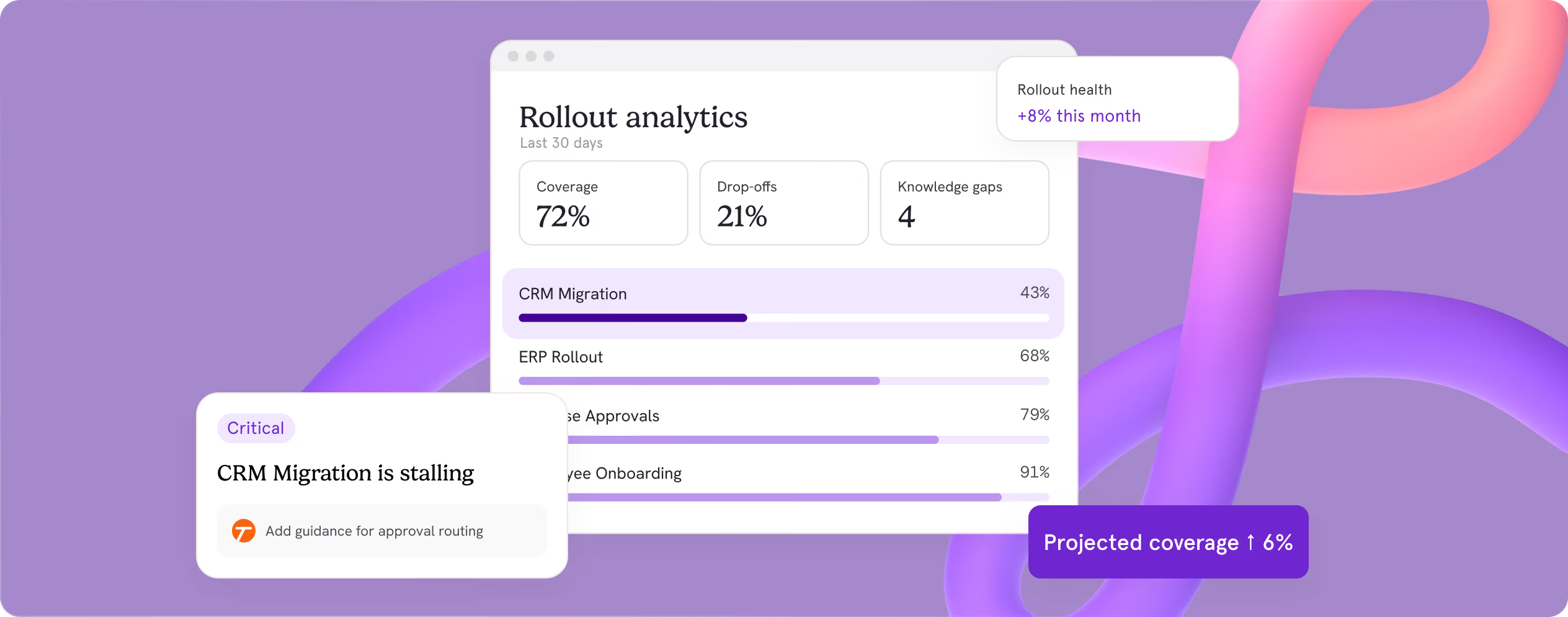
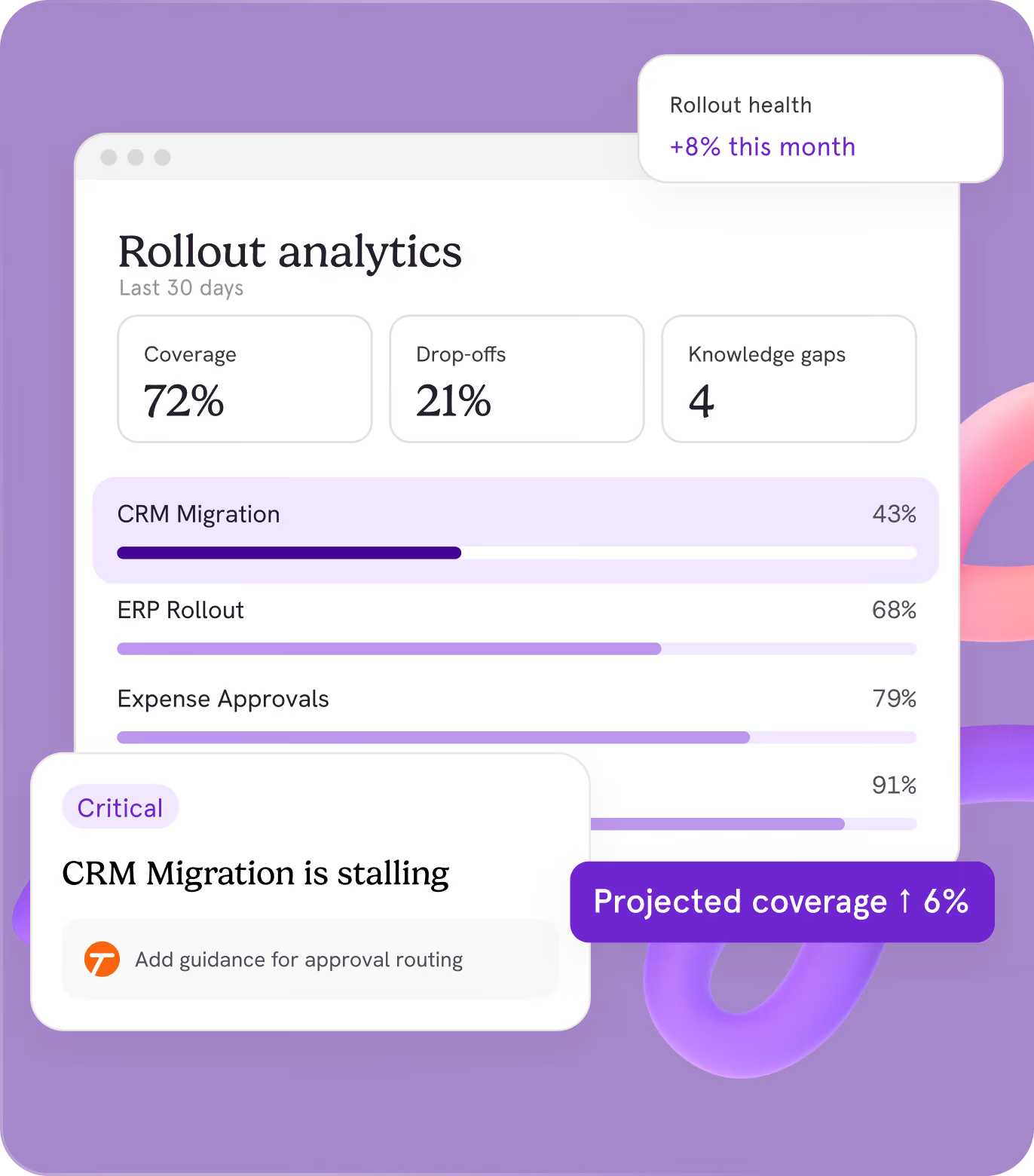
Scale your knowledge so work always keeps moving.


01
Documentation
Capture what you know.


02
Guide
Share it where people work.


03
Automate
Delegate the repetitive work.
Built to safeguard users and data
Tango is used daily on sensitive systems in regulated industries and at Fortune 500 companies.
For AI and Agents
Trusted on sensitive systems at Fortune 500 companies, ready for teammates and agents.
Steps agents can execute
Capture real workflows as structured, machine-readable steps. No manual documentation required.
One source of truth
Keep people and AI agents aligned with the same approved processes across your organization.
Show your agents once
Give agents clear instructions to make execution more predictable, efficient, and cost-effective.


Don't sweat go-live on your rollout.
Drive process adoption across teams and agents, from go-live and beyond.