





Tango: The Best WalkMe Alternative
See why teams that onboard new hires, write SOPs, and answer everyone's questions choose Tango instead.


Tango and WalkMe strengths
Explore the perks of working with us
Automatically capture every step as you work, generating a polished step-by-step guide
Walk users through every click with interactive in-app guidance
Capture multiple paths and decision points within a single workflow
Turn any workflow into an embeddable video that automatically updates when the workflow does
Pin guides, tips, and links directly inside the software, right where people need them
Automate repetitive steps across web-based tools without APIs or integrations
Track process adoption and see where users complete, drop off, or get stuck
Build and configure in-app walkthroughs for different workflows and needs
Have WalkMe admins manage walkthroughs with input from process experts
Personalize guidance based on user roles, behavior, and context
Collect user feedback with targeted surveys
Monitor adoption and application usage with custom dashboards
Tango Testimonials
See how Jasco Manufacturing cut 90% of errors from their quote-to-cash process


“We improved access to knowledge by 20%”
“In six months with Tango, we improved access to knowledge by 20% and employee satisfaction by 25%.”
“No one wants to spend 15 minutes reading”
“No one wants to spend 15 minutes reading about a process when they could use that time to actually do the process.”
“I love how you literally just have to... do the process!”
“I've been using Tango across 2 companies now and this has been one of my favorite tools...if you want to invest in documenting processes, Tango is the way to go.”
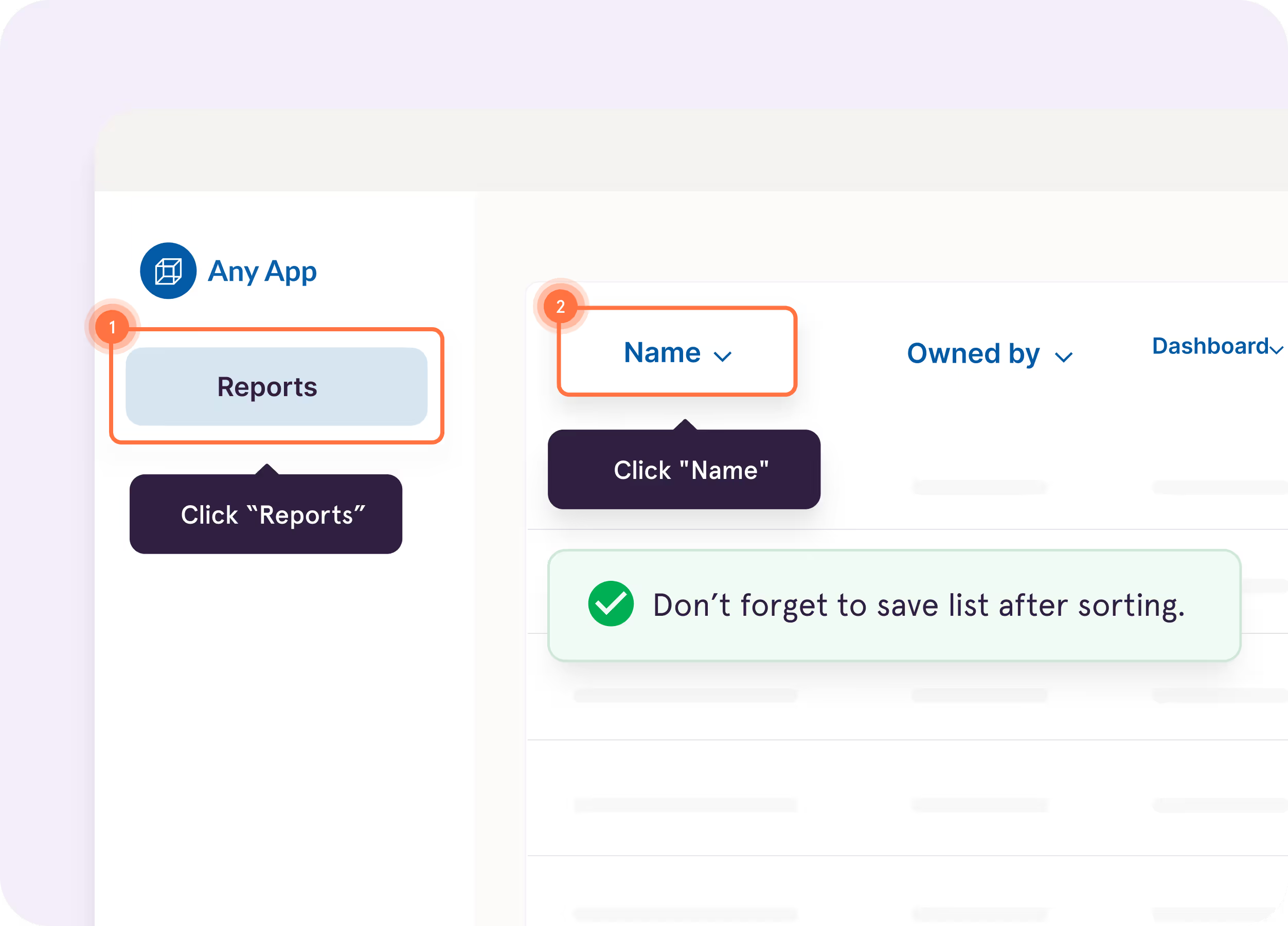
Turn captured workflows into interactive walkthroughs that highlight what to do next, right inside the tools where employees work.
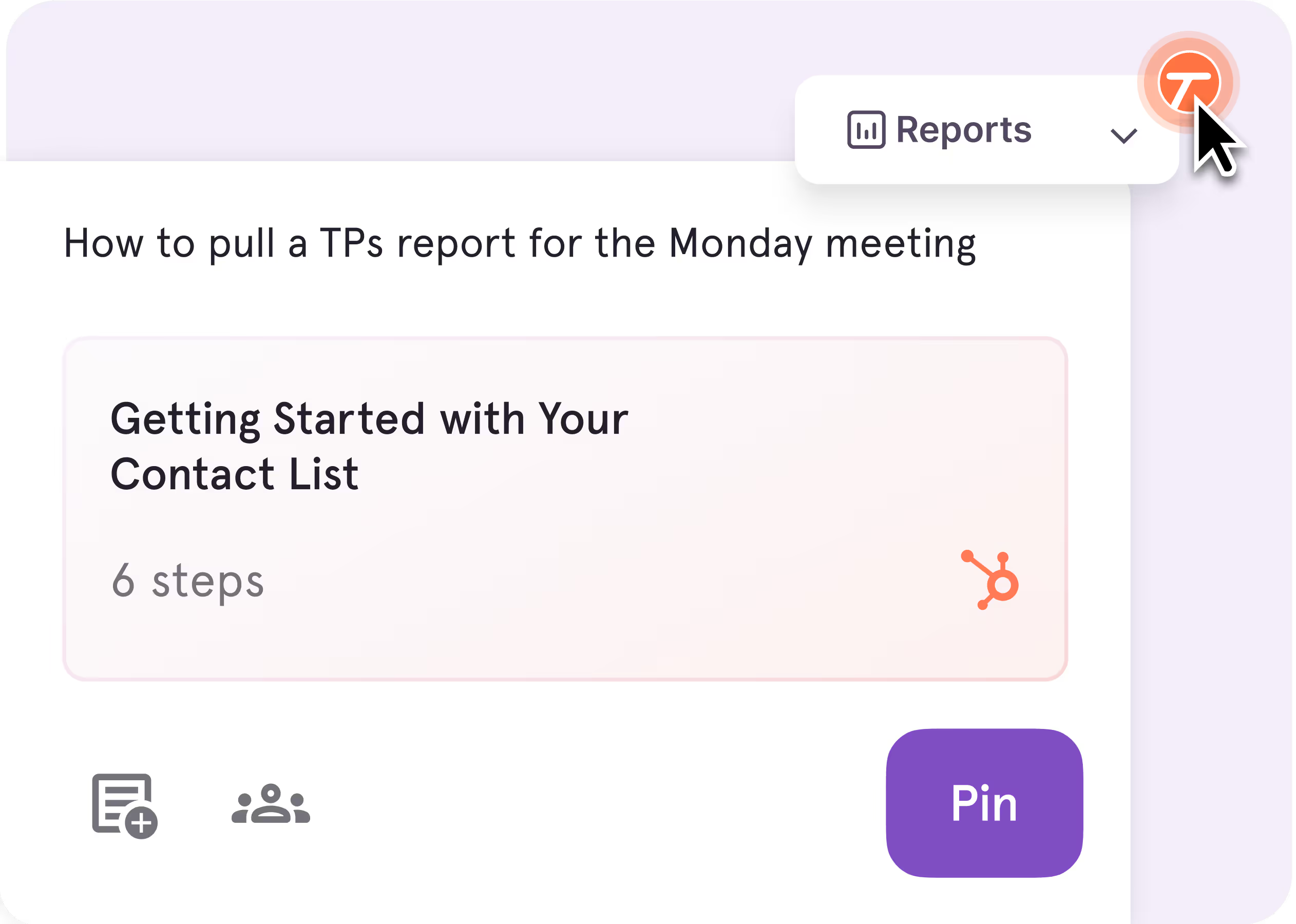
Pin guidance directly to buttons, fields, and screens so answers show up right where questions happen.
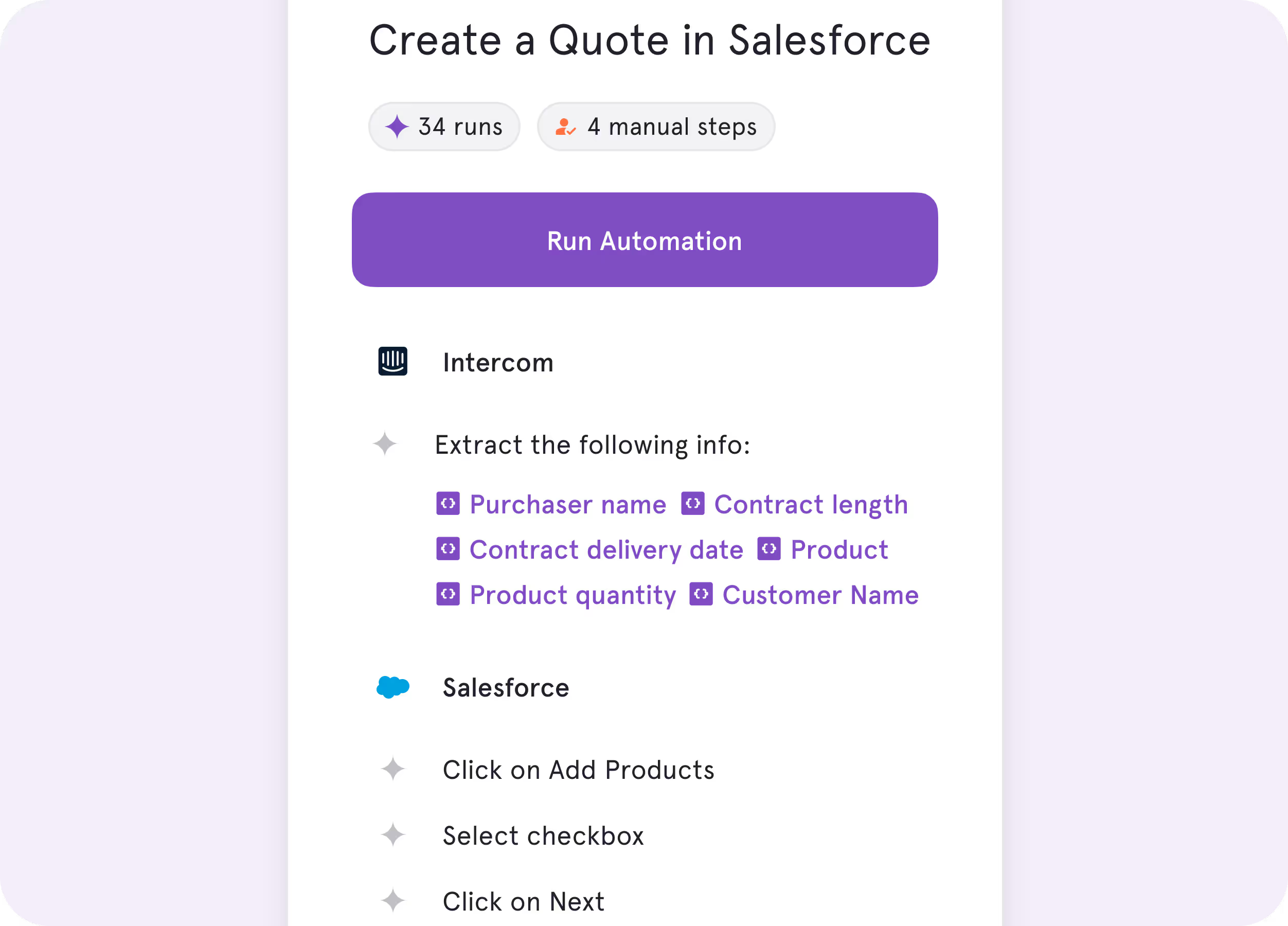
Automate repetitive browser work like data entry, cross-tab clicking, and form-filling, while your team stays in charge of the decisions.
%201.svg)
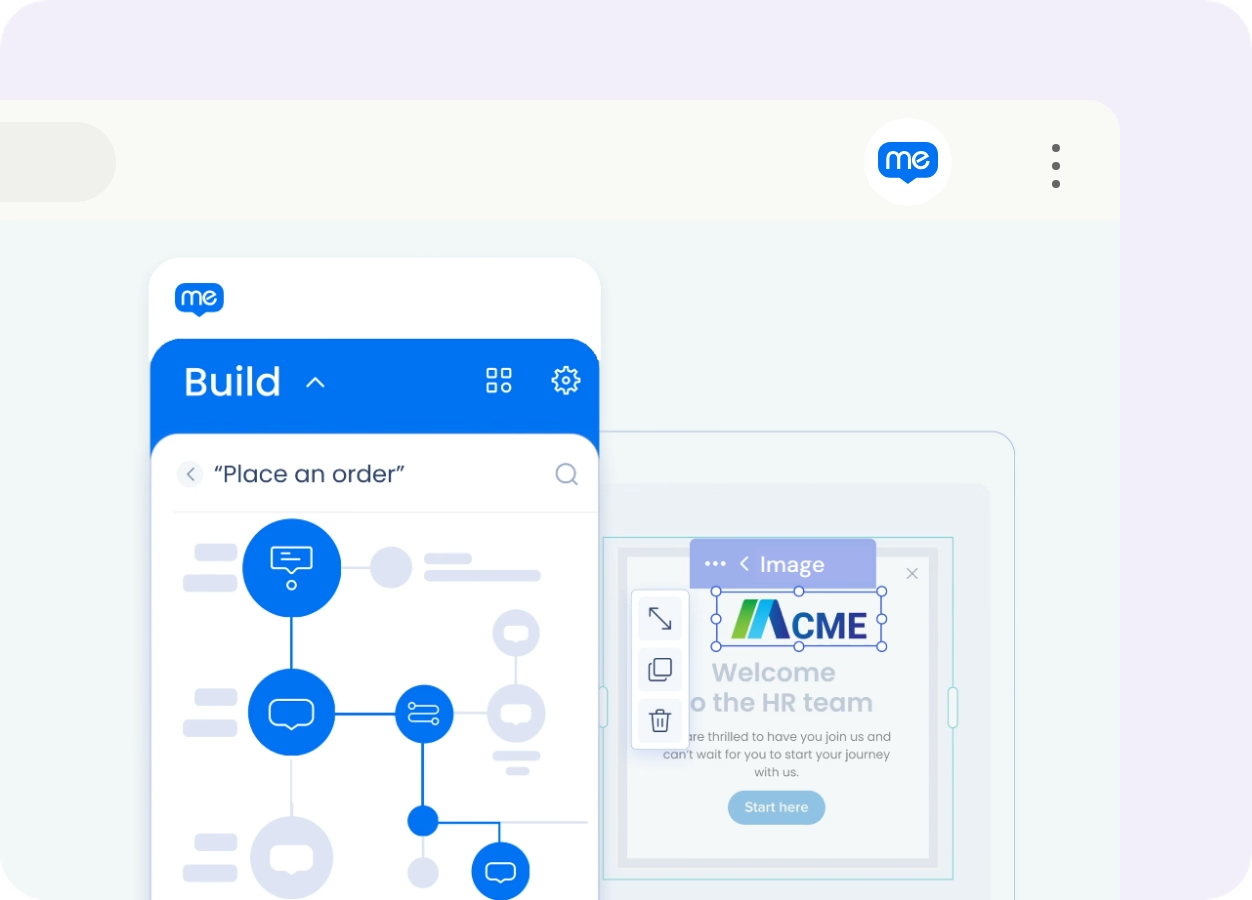
Build and configure in-app experiences
Set up paths, rules, and targeting for different users and scenarios.
Monitor software usage and adoption
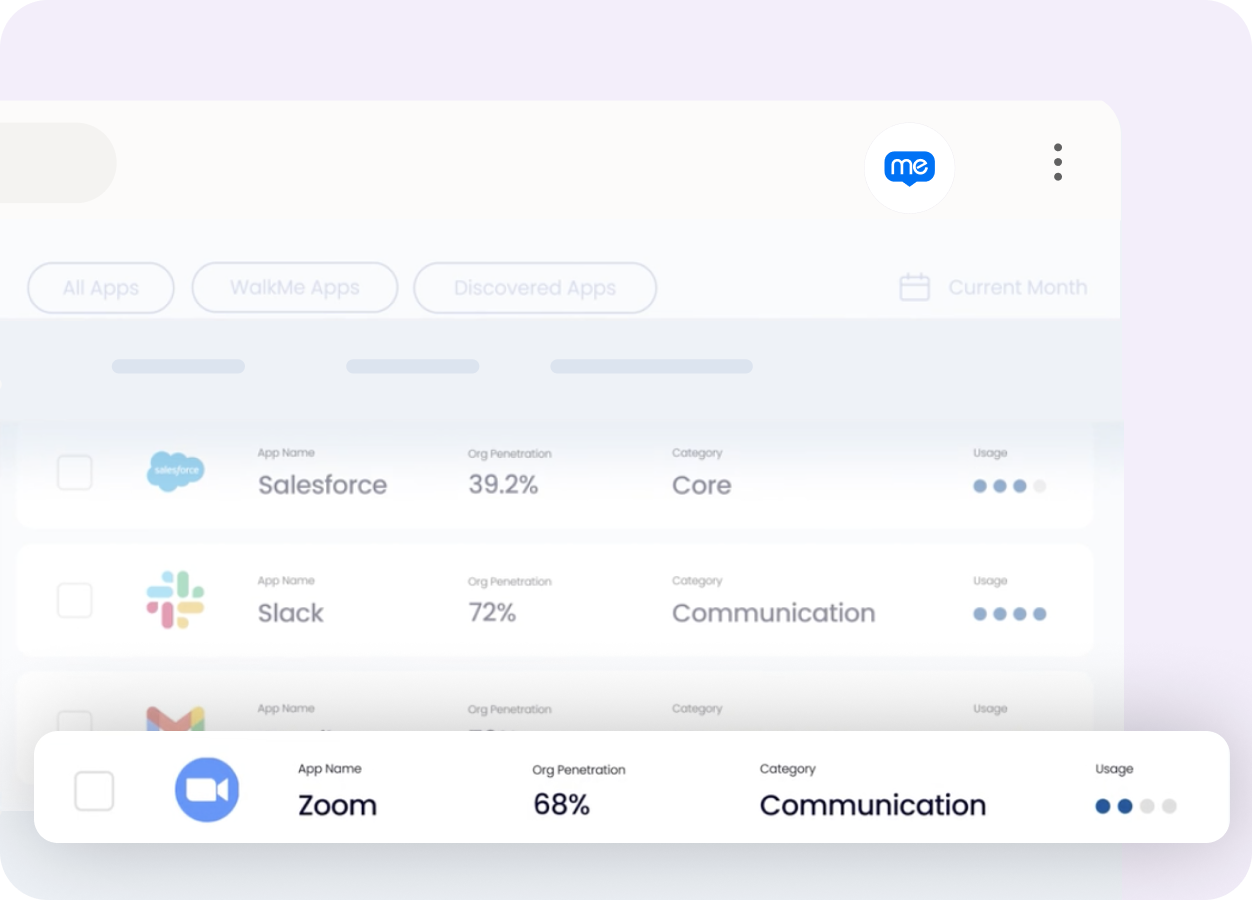
See how people use applications and where they engage with your guidance.

.avif)

.webp)
Key Differences
Click through your workflow, and Tango automatically captures each step, creating a polished guide with screenshots, highlights, and descriptions.
%201.svg)
Build walkthroughs by capturing UI elements, configuring each step and targeting rules, then testing the experience before publishing.

Get guidance up and running quickly, then update it as processes change without a separate implementation project or specialized team.
Implement, configure, and maintain in-app experiences across your applications, typically with dedicated WalkMe owners or admins.
Share workflows by link, embed, PDF, HTML, or Markdown, or guide your team through the entire process click by click, right inside the software they’re using.
Publish guidance inside applications, where users can access it through launchers, menus, triggers, and targeted experiences.
What do Tango and WalkMe have in common?
Capturing Documentation
Create step-by-step guidance for repeatable processes
Document processes across web and desktop apps
Use AI to speed up content creation
Editing Tools
Polish content with built-in editing and annotation tools
Customize documentation to follow your brand guidelines
Sharing
Invite teammates to view, edit, and share guidance in a shared workspace
Deliver step-by-step guidance directly inside the apps where people work
Integrate your guides with 100s of tools (Confluence, Notion, SharePoint, etc.)
Security & administration
Control who can view, edit, and manage guidance with roles and permissions
Access analytics to track engagement and see where users drop off
Streamline your end user experience with single sign-on (SSO)
Protect your data with SOC 2 Type II compliance
FAQ
Both Tango and WalkMe help teams guide people through software. WalkMe takes a build-and-configure approach to in-app guidance, with paths, rules, and targeting for different needs. Tango automatically captures workflows as step-by-step documentation and helps teams put that process knowledge into practice with in-app guidance, Workflow Branching, and process adoption analytics.
Yes, Tango can replace WalkMe for teams that need to guide employees through repeatable processes in the tools where they work. Guide Me walks users through workflows click by click, while Pins surface relevant guides, tips, and links directly inside the software.
Compare Tango vs other popular tools
Jump to the comparison that's most relevant to you.







Create your first Tango in minutes.
Start capturing your first workflow today.

